Videos / Tutorials
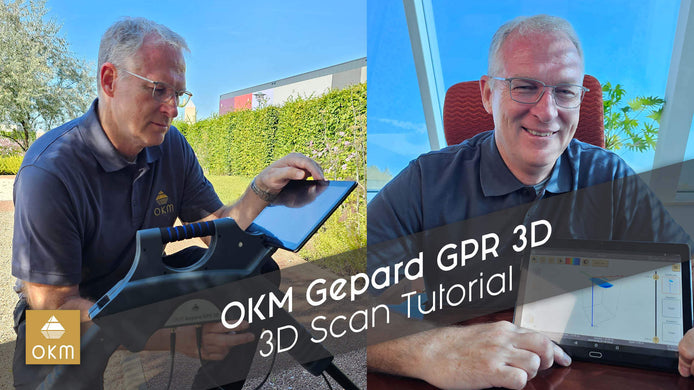
OKM Gepard GPR 3D | 3D Ground Scan Tutorial
Learn to use the OKM Gepard GPR 3D Ground Scanner with this detailed tutorial. Mark Harris covers setup, scanning, analysis, ...
Data Export | V3DS Tutorial
Learn how to export data from Visualizer 3D Studio: images, PDF reports, and CSV files. Watch Frank's quick guide for ...
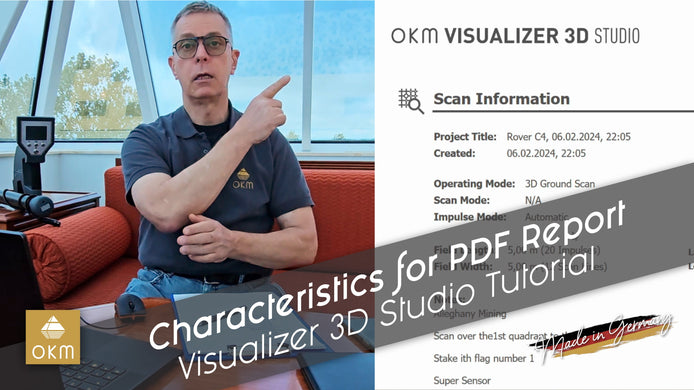
Characteristics for PDF Report | V3DS Tutorial
Learn how to create professional PDF reports from your project data with Frank’s step-by-step guide. Watch now to simplify your ...
Preferences | V3DS Tutorial
In this video, our detector expert Frank Casser takes you through an in-depth walkthrough of the Visualizer 3D Studio preferences ...
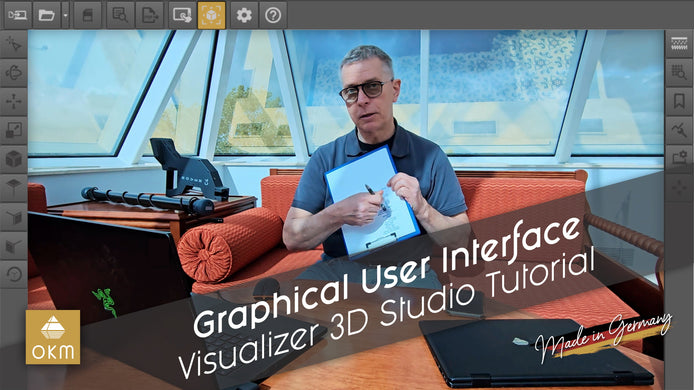
Graphical User Interface | V3DS Tutorial
In this video, join OKM expert Frank as he provides a detailed walkthrough of the Visualizer 3D Studio software's graphical ...
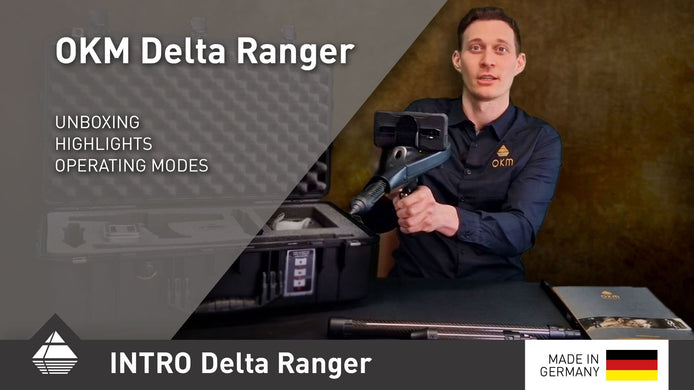
Presentation of Multitechnology-Detector Delta Ranger
In this video, CEO Stephan Grund introduces the Delta Ranger, a multi-technology treasure detector designed to meet the needs of ...
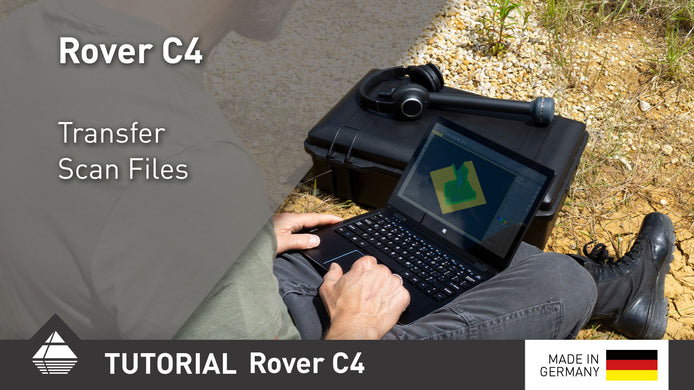
Rover C4 Quick Tutorial Transfer Scan Files
After performing your scans, transfer them to the Windows notebook via Bluetooth for further analysis.
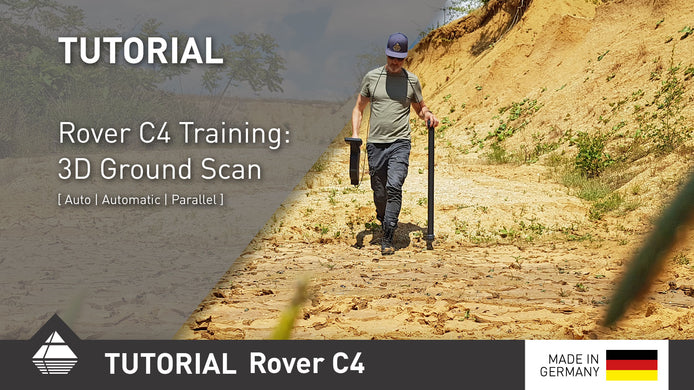
Rover C4 Quick Tutorial 3D Ground Scan
The Mode 3D Ground Scan on you OKM Rover C4 is used to create a 3D image of the Ground ...
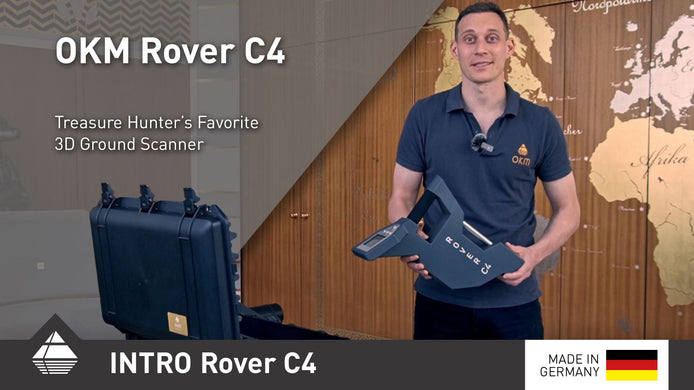
Rover C4 Presentation + Quick Test
Today we want to give you a deeper look into the OKM Rover C4...
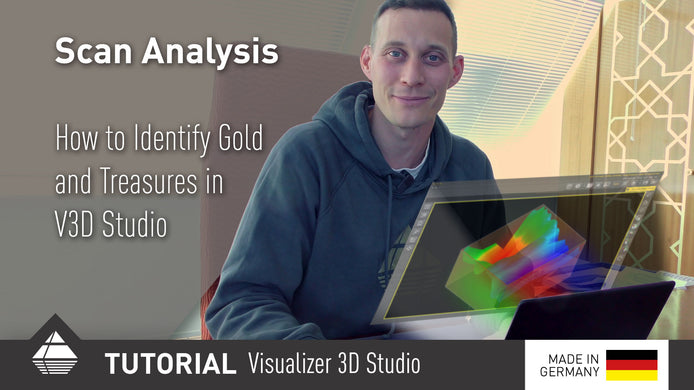
V3DS Tutorial Interpreting Scans
Learn now how to analyze and interpret your scans better in V3DS...
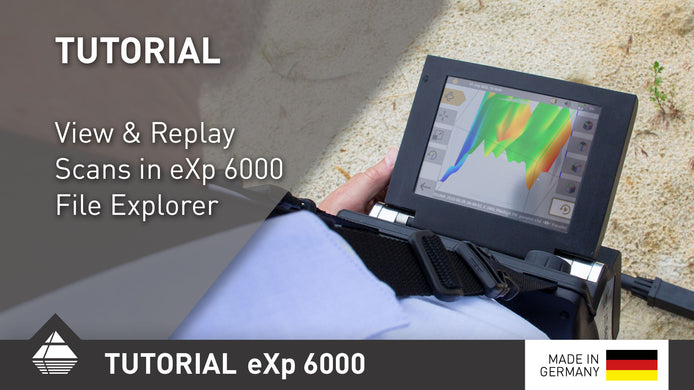
eXp 6000 Quick Tutorial Viewing Measurements
With the File Explorer on the OKM eXp 6000 you can view or tranfer your scans to the included Windows ...
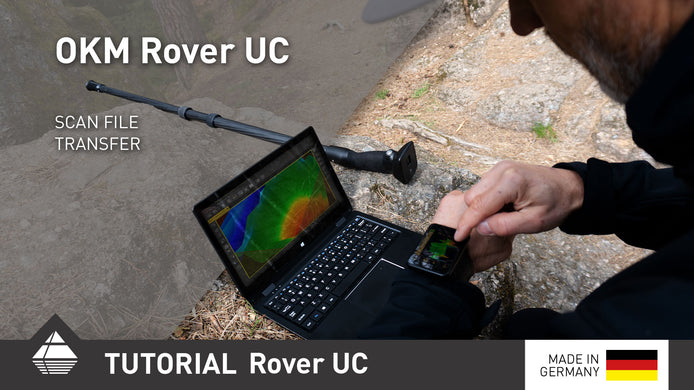
Rover UC Quick Tutorial File Transfer
For a better analysis of your scans with the OKM Rover UC you can transfer the scanfiles from the smartwatch ...