Videos / Tutorials

Quick Scan Check: What's the difference between Measuring Value and Scan Value?
In this Quick Scan Check you learn the difference between Measuring Value and Scan Value in OKM’s Visualizer 3D Studio, ...

Quick Scan Check: How do I know if the 3D Ground Scan shows an iron object?
In this Quick Scan Check you learn how to identify metal objects in OKM 3D ground scans, understand red and ...

Quick Scan Check: 3 Scans reveal Potential Target Object
OKM eXp 6000 Scans 4–6: Clear anomaly detected despite distortions. Learn how scan values reveal a possible ferromagnetic object and ...

Quick Scan Check: 3 Scans Show Significant Red Signal
OKM eXp 6000 Scan Analysis: Three scans reveal a consistent orange-red anomaly in the same position, indicating a potential target. ...

Quick Scan Check: 3D Ground Scan shows Strong Red Signal in the Center
Learn how to interpret red and blue anomalies, why scan field dimensions and control scans matter, and how to improve ...

Quick Scan Check: 3D Ground Scan reveals 3 Prominent Structures
This is a beautiful 3D Ground Scan showing prominent structures. Learn how to interpret red and blue signals, why expanding ...

Quick Scan Check: 3D Ground Scan shows 2 Signals in a Small Scan Field
Learn what red and blue signals mean in 3D Ground Scans performed with OKM Fusion Light. See real customer data, ...
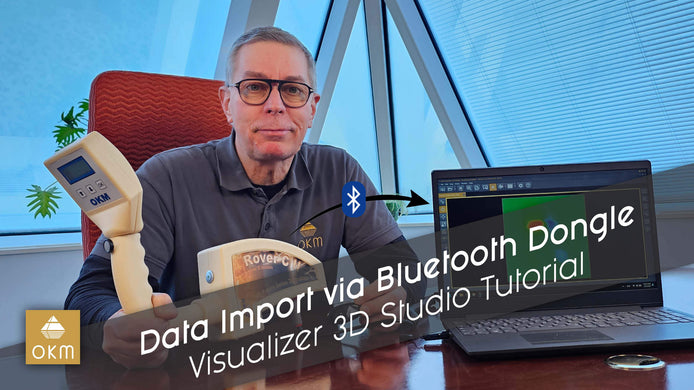
Transfering Scan Data via Bluetooth Dongle | V3DS Tutorial
Learn how to easily transfer scan data from your Rover C2 to your PC with our step-by-step video guide, featuring ...
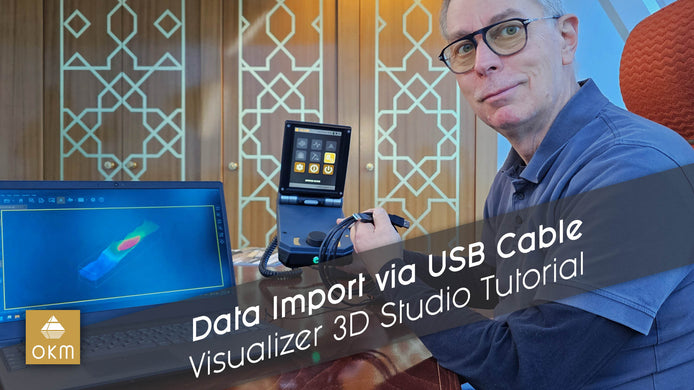
Import Scan Data via USB Cable | V3DS Tutorial
Learn how to easily transfer data from your OKM 3D Ground Scanner to your PC with this step-by-step tutorial featuring ...

Importing Data via Bluetooth | V3DS Tutorial
Quickly import scan data from the Detector to your PC using Bluetooth in this easy V3DS tutorial. Simplify your process ...
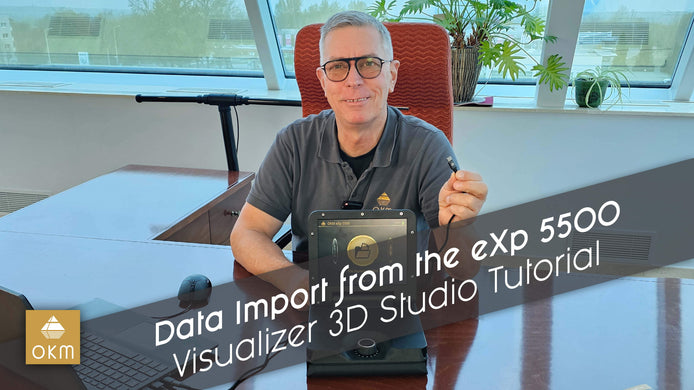
Importing Scan Data from the eXp 5500 | V3DS Tutorial
Learn how to connect the OKM eXp 5500 to your computer and transfer data for use with Visualizer 3D in ...

Data Import Methods | V3DS Tutorial
Learn about different data transfer methods for importing your detector data into Visualizer 3D Studio, including USB, Bluetooth, and USB ...