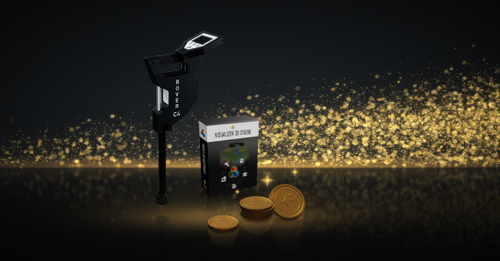
Rover UC Quick Tutorial File Transfer
July 01, 2022

For a better analysis of your scans with the OKM Rover UC you can transfer the scanfiles from the smartwatch to the included windows notebook. On there you have OKM`s Software Visualizer 3D Studio, which can give better information about your scans.
In this tutorial we want to show you how to:
- start the file transfer
- import the files into Visualizer 3D Studio
- select your scanfiles
- finish the import
March 22, 2025
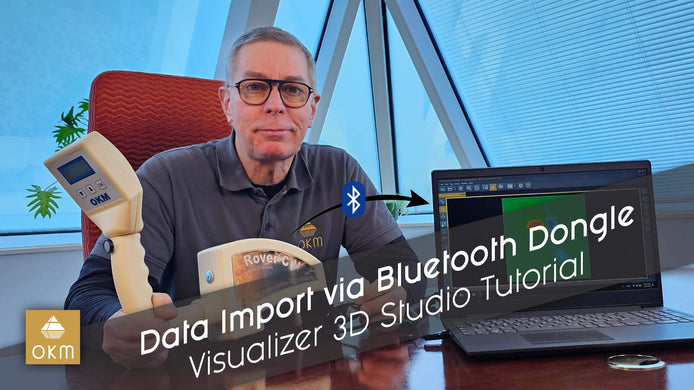
Transfering Scan Data via Bluetooth Dongle | V3DS Tutorial
Learn how to easily transfer scan data from your Rover C2 to your PC with our step-by-step video guide, featuring ...
February 21, 2025
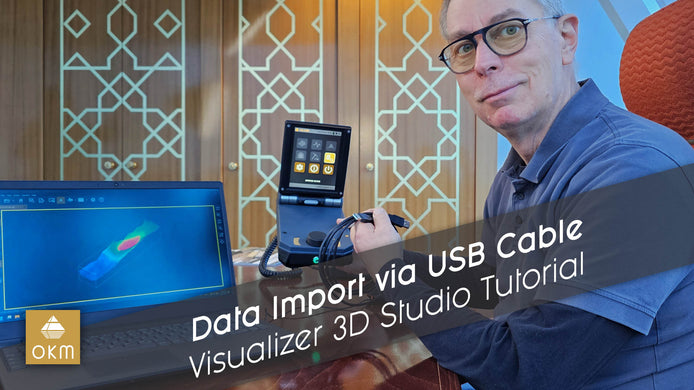
Import Scan Data via USB Cable | V3DS Tutorial
Learn how to easily transfer data from your OKM 3D Ground Scanner to your PC with this step-by-step tutorial featuring ...
August 02, 2022
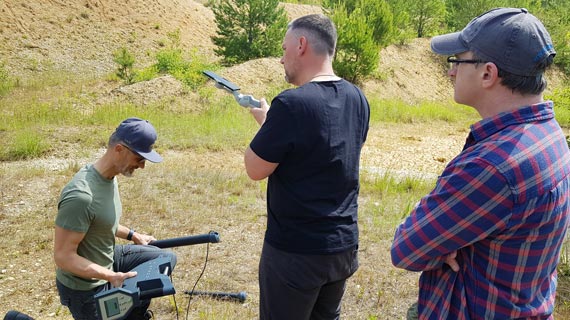
Behind the Scenes: Making of OKM Tutorials
The video shoot for the current Rover C4 tutorials took place in a former gravel pit: Perfect to test the ...