How to Perform a Mineral Scan Using the eXp 7000 Professional Plus

Looking to detect natural gold deposits and mineralized zones? In this tutorial, Mark explains how to use the Mineral Scan Mode of the OKM eXp 7000 Professional Plus step by step.
You’ll learn the essential workflow — from preparing your scan field and capturing clean data to reviewing results so you can make confident, field-ready decisions based on solid scan quality.
What You’ll Learn in This Tutorial
- Mineral Scan Use Case: Understand what Mineral Scan is designed for and when it’s the right mode for locating natural resources.
- Field Preparation: Learn how to plan and prepare the scan area to reduce errors and improve measurement consistency.
- Step-by-Step Scan Execution: Mark shows how to perform the scan correctly to capture clean, usable data.
- Data Quality Checks: Learn what to look for to confirm the scan is reliable before drawing conclusions.
- Result Review and Next Steps: Use the output to evaluate mineralization indicators and decide on follow-up measurements.
This tutorial is built for users who want a structured approach to mineral detection in real field conditions. If you follow the process shown in the video, you’ll improve data quality, reduce noise, and get results that are significantly more actionable for exploration and prospecting workflows.
More details about the detector used in this tutorial: OKM eXp 7000 Professional Plus

Find Targets Faster with Pinpointer Mode | OKM eXp 7000 Tutorial
Learn how to locate targets faster and more precisely with the Pinpointer Mode of the OKM eXp 7000. This tutorial ...

Step-by-Step 3D VLF Scan Tutorial | OKM eXp 7000 Tutorial
Learn how to perform a 3D VLF Scan with the OKM eXp 7000 step by step. This mode is ideal ...
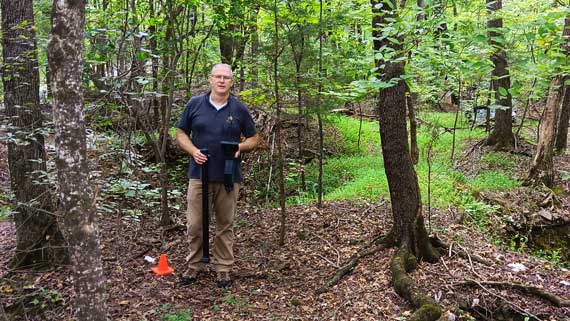
From America’s First Gold Mine to Modern Scanning: OKM at Reed Gold Mine
Mark Harris explores Reed Gold Mine with the OKM Rover C4, proving modern scans still reveal natural gold.