V3DS Tutorial Interpreting Scans

OKM´s Software Visualizer 3D Studio is our internally developed detection software. With the software you can analyze your scans really detailed and visualize them in 2D or 3D. You can determine the position, size and depth of potential targets.
But there are many things you need to consider when you analyze your scans. Thats why our CEO Stephan will show you how to correctly interpret your results, how you can modify the image in the software and how to differentiate between good and bad scans. He shows many examples of things you could come across when reviewing your scans and how to fix them.
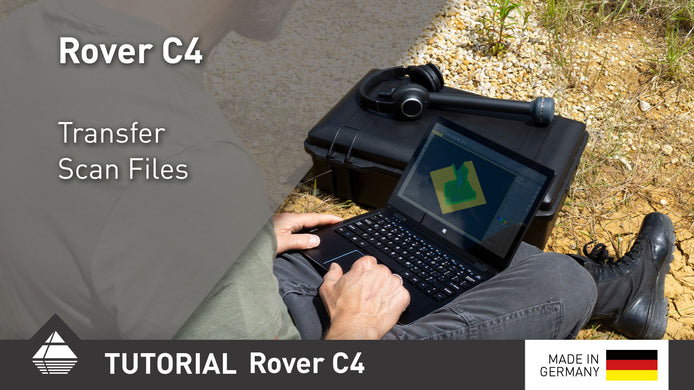
Rover C4 Quick Tutorial Transfer Scan Files
After performing your scans, transfer them to the Windows notebook via Bluetooth for further analysis.

Quick Scan Check: 3 Scans reveal Potential Target Object
OKM eXp 6000 Scans 4–6: Clear anomaly detected despite distortions. Learn how scan values reveal a possible ferromagnetic object and ...

Quick Scan Check: 3 Scans Show Significant Red Signal
OKM eXp 6000 Scan Analysis: Three scans reveal a consistent orange-red anomaly in the same position, indicating a potential target. ...